
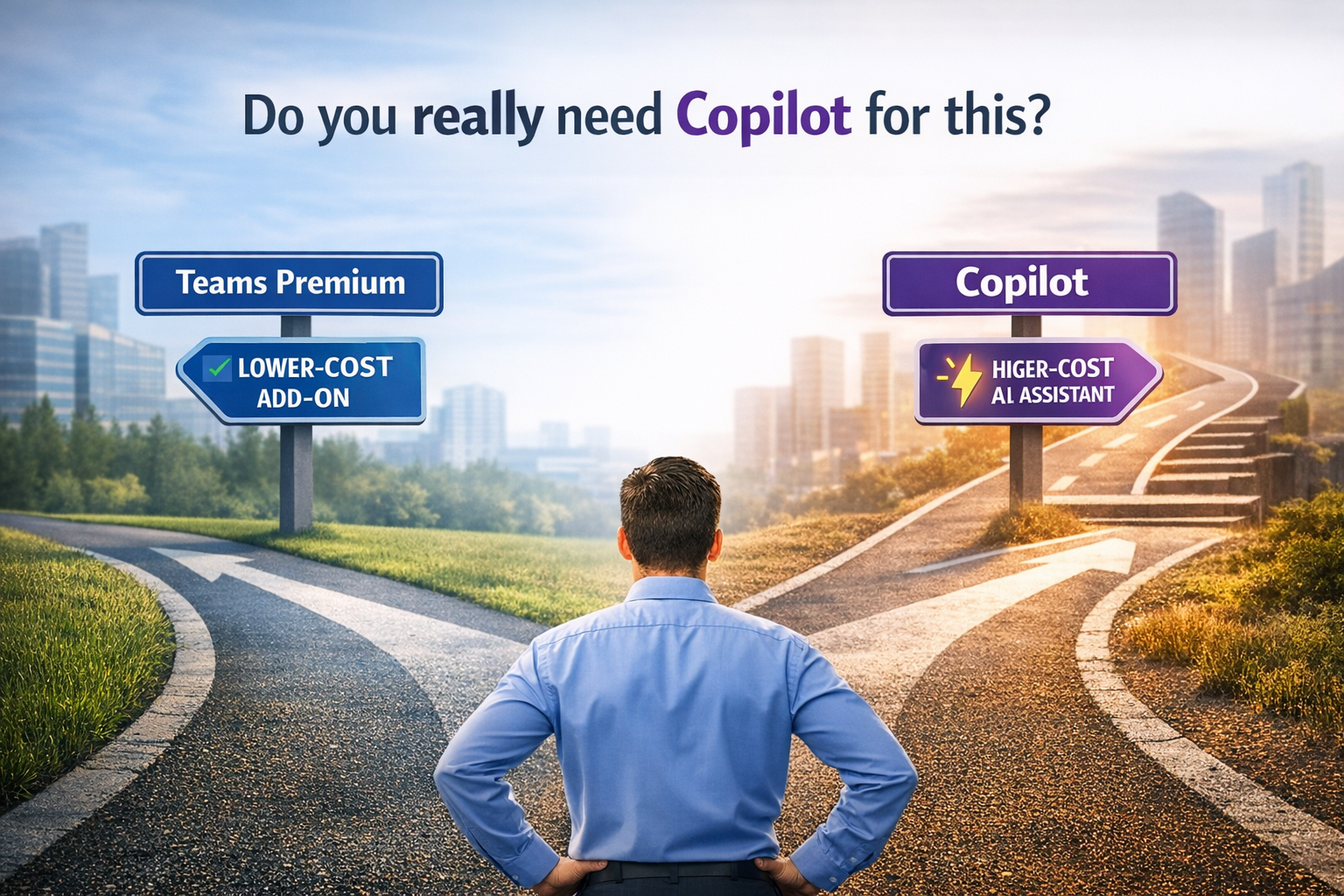
How to avoid assigning Copilot when Intelligent Recap is all you need
AI adoption in Microsoft Teams is no longer a novelty. Most organizations are already exploring or deploying:
- Microsoft Teams Premium
- Microsoft 365 Copilot
The challenge, however, is not adopting AI.
👉 The real challenge is assigning it correctly.
In many cases, organizations assign Copilot licenses where the only real need is Intelligent Recap.
That’s where unnecessary costs begin.
🧠 The source of confusion: both include Intelligent Recap
Both Teams Premium and Copilot provide:
- AI-generated meeting summaries
- Key decisions and highlights
- Suggested action items
- Smart navigation (timeline, speakers, chapters)
This often leads to a wrong assumption:
“If both provide recap, it doesn’t matter which one we assign.”
🚫 That assumption is incorrect.
🔍 The key difference: what happens after the meeting
The real difference is not the recap itself.
👉 It is what users do with the information afterward.
🔵 Teams Premium → Consume the recap
Teams Premium is designed for a very specific use case:
“I missed the meeting. I need to quickly understand what happened.”
With Teams Premium, users can:
- Review the AI-generated summary
- Identify decisions and action items
- Navigate the meeting recording intelligently
In essence:
Passive experience → consume information
🟣 Copilot → Work with the recap
Copilot goes significantly further. It does not just summarize meetings. It enables users to interact with and act on the content.
With Copilot, users can:
- Ask questions about the meeting
- “What decisions were made?”
- “Who owns task X?”
- Generate content automatically:
- Follow-up emails in Outlook
- Reports in Word
- Presentations in PowerPoint
- Use meeting insights across the entire Microsoft 365 ecosystem
In essence:
Active experience → create value from information
💰 Side-by-side comparison
| Capability | Teams Premium | Copilot |
|---|---|---|
| Intelligent Recap | ✅ | ✅ |
| AI Notes & Tasks | ✅ | ✅ |
| View summaries & decisions | ✅ | ✅ |
| Ask questions (Q&A) | ❌ | ✅ |
| Generate content (email, docs) | ❌ | ✅ |
| Cross-app integration (M365) | ❌ | ✅ |
| Approx. price | ~$7–$10 / user / month | ~$30 / user / month |
You can reduce the entire decision to one question:
👉 Does the user only review meetings — or actually work with the information?
✅ If the user ONLY reviews
Assign Teams Premium
✅ If the user CREATES value from the information
Assign Copilot
🚫 The most common mistake
One of the most frequent mistakes organizations make: Assigning Teams Premium + Copilot just for Intelligent Recap. This is typically unnecessary.
A better practice:
- If the user already has Copilot → they do not need Teams Premium for recap
- Only assign Premium if specific features are required:
- Advanced meeting security
- Webinars
- Live translation
🧩 This is not a technical problem — it is a strategy problem
This is not about features.
It is about decision-making in IT governance.
Poor licensing decisions lead to:
- Overspending
- Low adoption
- Misalignment between tools and actual work
A strong strategy enables:
- Cost optimization
- Better Copilot ROI
- Clear alignment between technology and business needs
Here is a simplified view of the difference:

If you are driving AI adoption in Teams:
- Focus on user behavior, not job titles
- Identify whether there is post-meeting content creation
- Avoid assigning Copilot by default
✅ In many scenarios, Intelligent Recap alone is enough —
and Copilot becomes an unnecessary expense.
Deja un comentario