
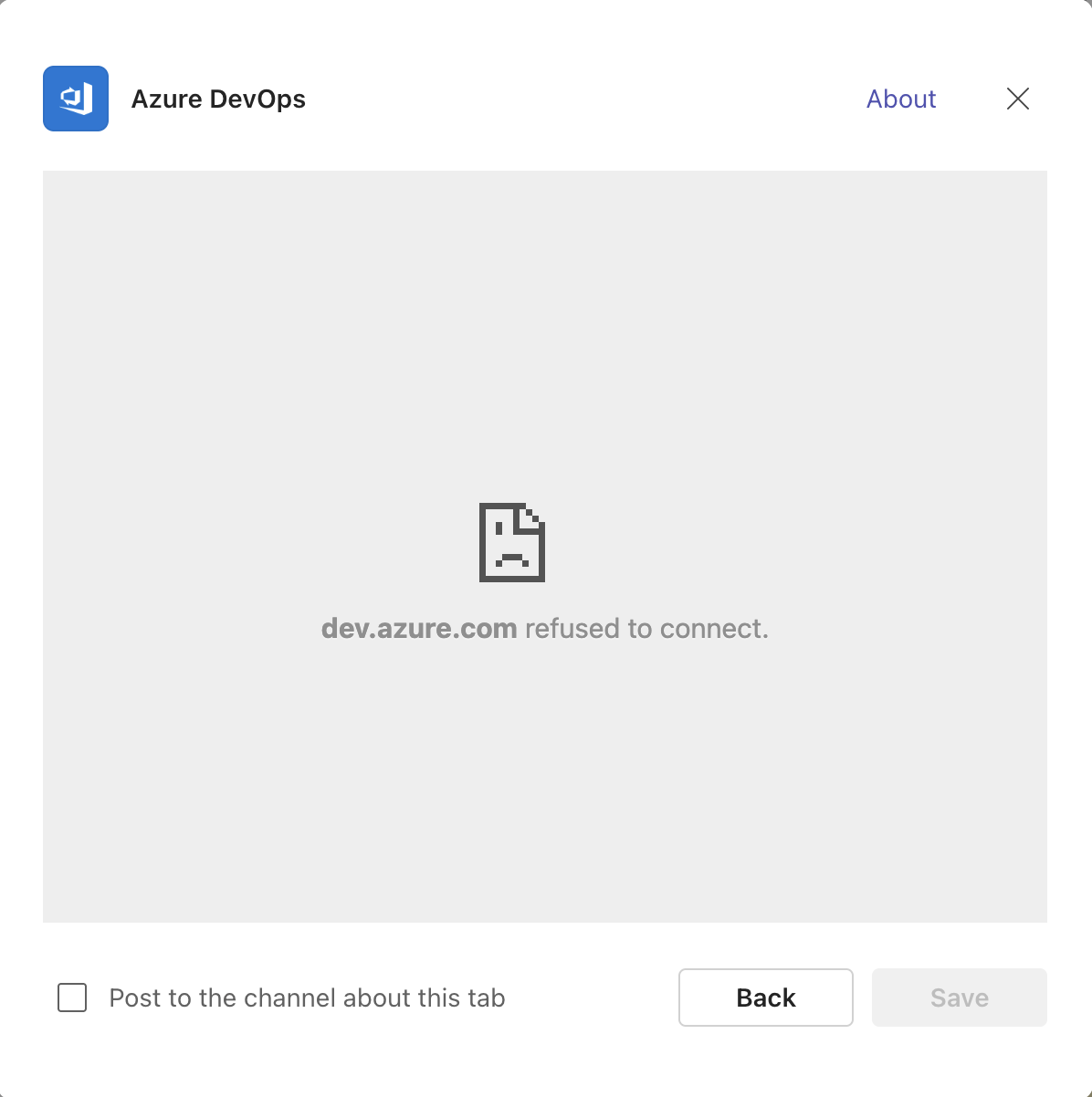
Are you experiencing a problem when trying to add the Azure DevOps tab inside the Microsoft Teams client, specifically in the version that runs under the teams.cloud.microsoft domain (the “new Teams”).?
When you try to add the tab:
- The configuration window opens correctly.
- The iframe starts authentication without issues.
- Azure DevOps begins listing the projects.
- But at the end, when the iframe attempts to load dev.azure.com, the load is blocked.
The result is clear:
👉 The tab cannot be completed and the installation fails.
🔍 What Is Causing the Problem?
The root cause lies in the Content-Security-Policy (CSP) of dev.azure.com, which is managed by Microsoft.
Azure DevOps has a CSP directive called frame-ancestors, which defines from which domains it is allowed to be loaded inside an iframe.
Currently, that directive only allows:
*.teams.microsoft.comteams.microsoft.comskype.com
These domains belong to the classic Teams.
However, Microsoft migrated the new Teams to the domain:
teams.cloud.microsoft
And here is the issue:
❌ The Azure DevOps CSP does not include teams.cloud.microsoft.
Therefore, when the new Teams tries to load dev.azure.com inside the tab, Azure DevOps blocks it for security reasons.
In other words:
Azure DevOps does not recognize the new Teams domain, so it refuses to display inside the iframe.
🧠 Why Is This Happening Now?
Because Microsoft changed the Teams infrastructure, but did not update the Azure DevOps CSP to allow the new domain.
This means the CSP on dev.azure.com is outdated and does not reflect Microsoft’s own internal migration to the new Teams platform.
🧩 Conclusion
This is not a user error nor a local configuration problem.
It is a compatibility issue between Azure DevOps and the new Microsoft Teams, caused by an outdated security policy on dev.azure.com.
Until Microsoft updates the CSP directive to include teams.cloud.microsoft, the Azure DevOps tab cannot be added correctly in the new Teams.
You can find more in Dev Community and the original post with the response about this.
Azure DevOps Teams Application not working – Developer Community
Deja una respuesta