
Starting mid-September 2024, Microsoft Teams Rooms on Windows is about to drop a feature that’ll make you go, “Whoa, this is what I needed!” 📸
What’s the Buzz?
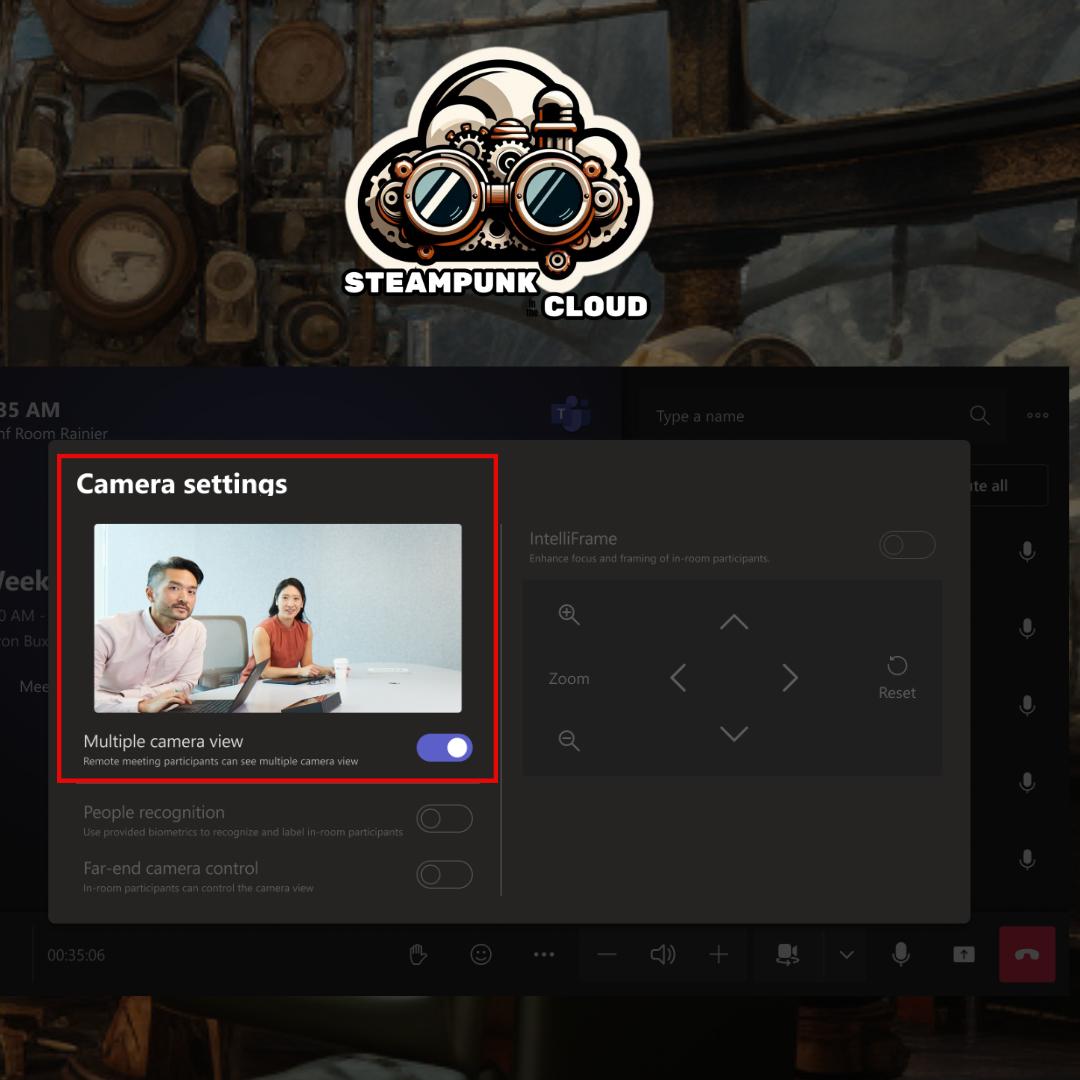
Hold onto your hats: You’ll now be able to send up to four USB camera feeds simultaneously. Yep, you read that right. Imagine a meeting where you can see all the cameras at once. 🤯

How Does It Work?
- Opt-In Magic: Admins need to activate this feature (it’s not automatic, but trust us, it’s worth it).
- More Visibility: Got a massive or tricky room? The multi-camera view is your best friend. Perfect for multipurpose rooms, classrooms, or those executive board meetings where everyone wants screen time.
- Setup:
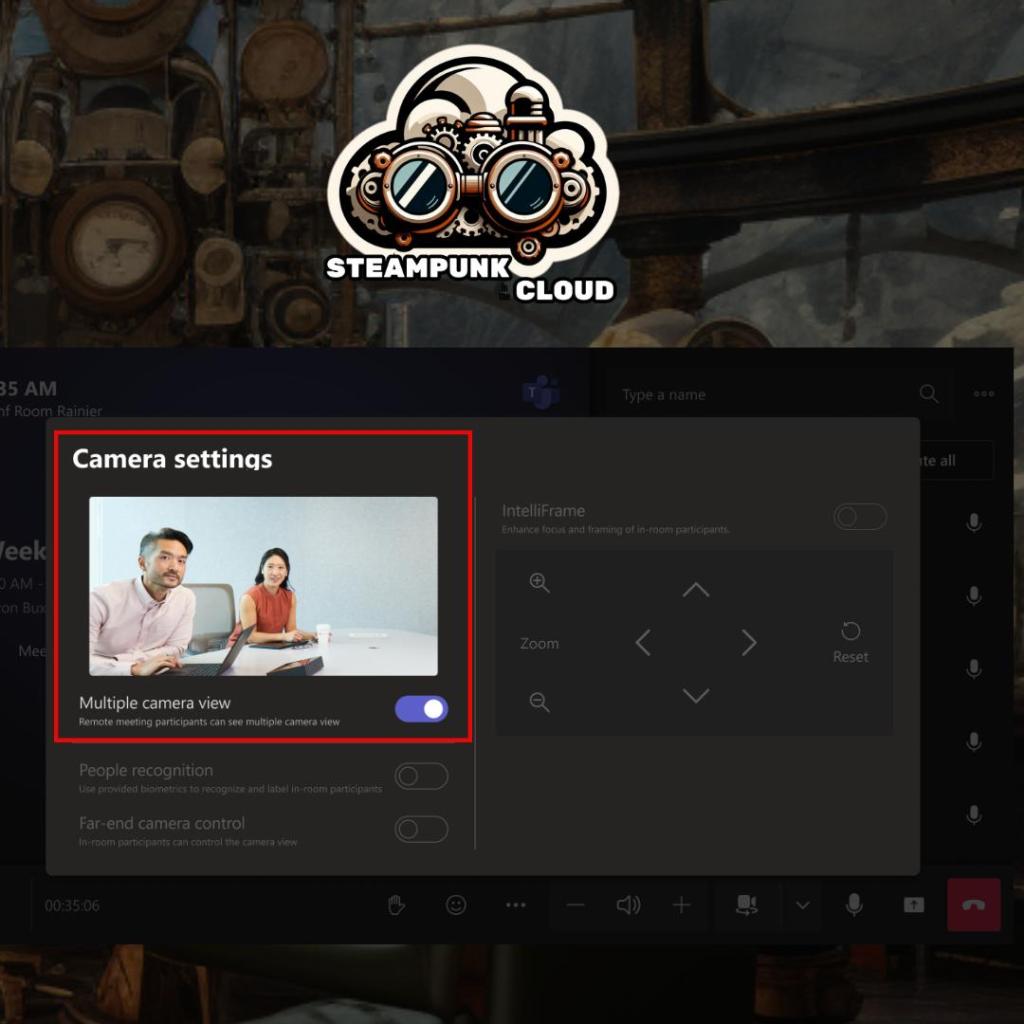
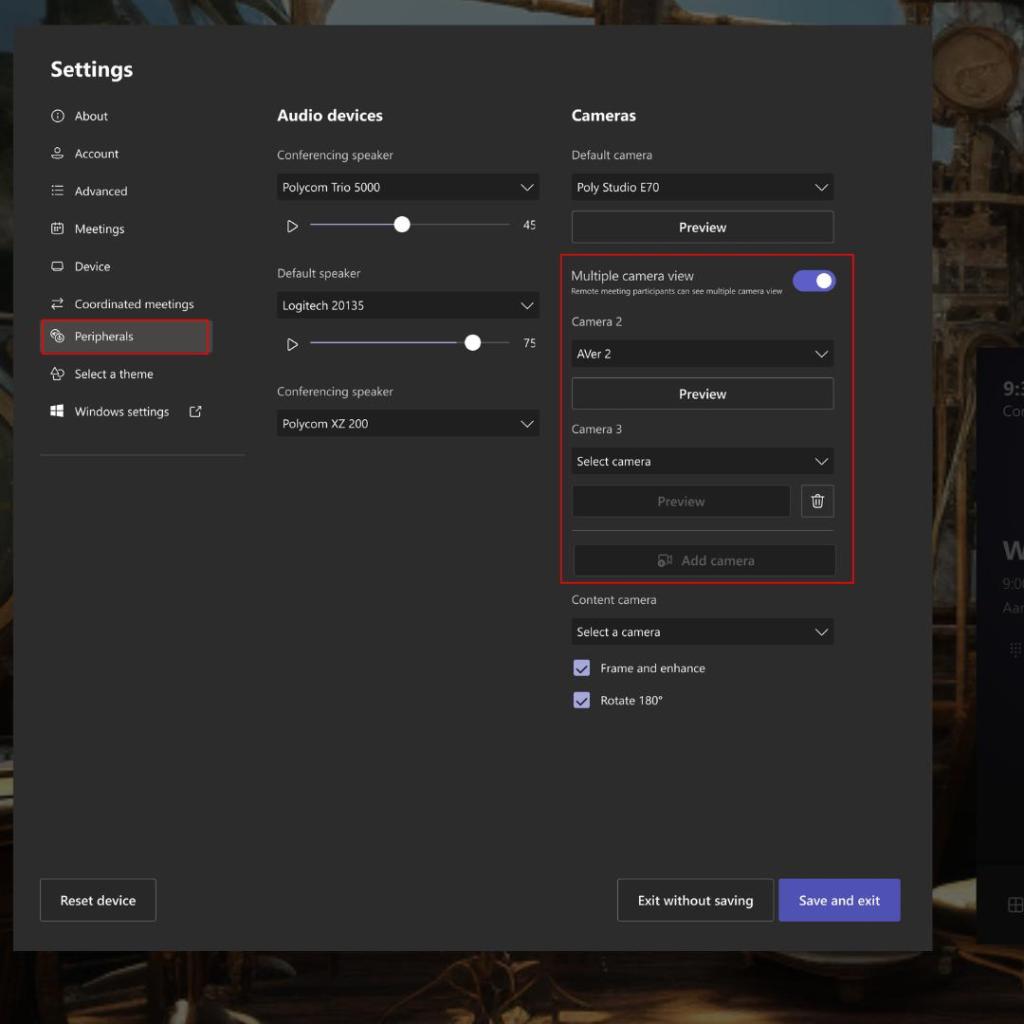
- Admins can enable the multi-camera view and arrange them in any order they fancy.
- In-room folks can switch between cameras using a nifty button on the meeting console.
- Remote participants will automatically see the multi-camera view.
- Plus, remote peeps can manually pick which camera they want to eyeball. Flexibility galore!
Release Dates
- General Availability (Worldwide): Kicking off in mid-September 2024. Mark your calendars!
- General Availability (GCC, GCCH, DoD): If you’re in a government instance, expect this treat around mid-October 2024.
Getting Ready for the Change
- Game Plan: Think about which rooms need multiple cameras. Boardroom? Virtual yoga studio? Decide.
- Configuration: Make sure admins activate the multi-camera view on local devices or in the Teams Pro admin portal.
- Spread the Word: Give your colleagues the heads-up on this souped-up experience. Maybe update the training docs too—we don’t want anyone left in the analog dust!
So get ready to see all the faces (and cameras) in your next meetings! 🎉👀


 STEAMPUNK IN THE CLOUD
Deja un comentario